
AWS Multimodal Prompt Engineering
Multimodal Prompt Engineering
Multimodal prompt engineering helps you create instructions for AI models that process multiple types of content, text, images, audio, and video.
Unlike text-only language models, multimodal models understand relationships between different media forms, enabling more natural and context-rich interactions.
Multimodal model basics
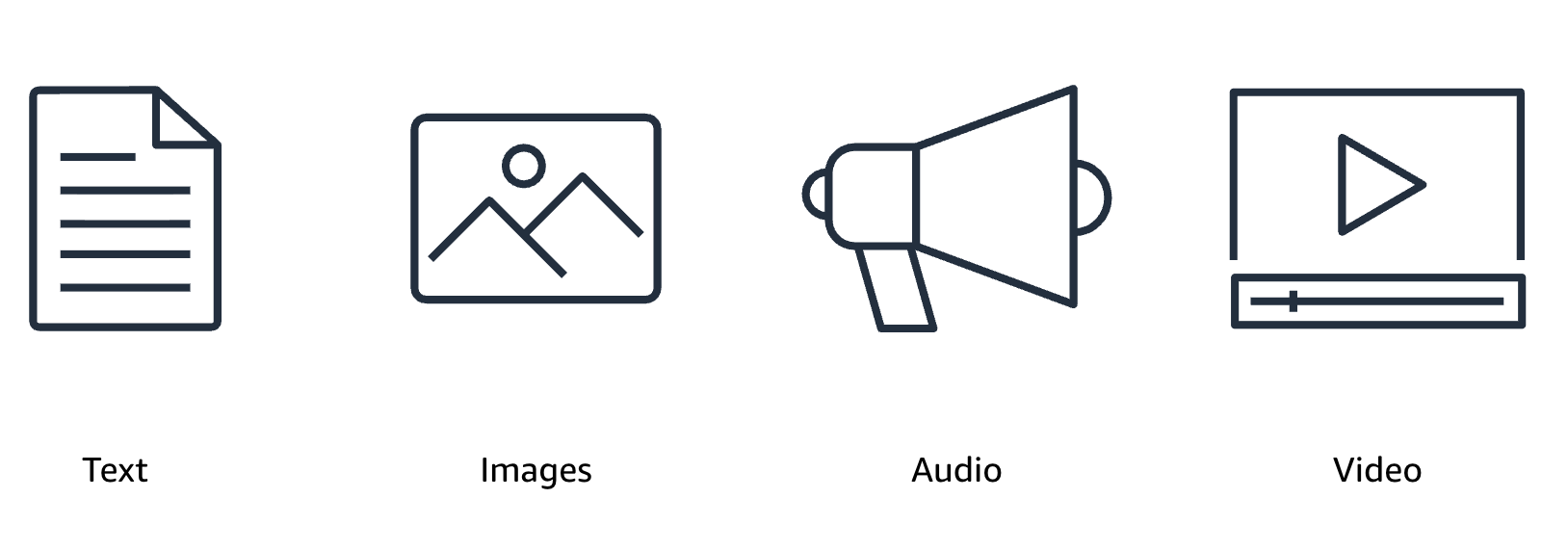
Multimodal models create connections between visual and textual information, mimicking how humans naturally process the world. They encode different input types into a shared representation space where text and visual information can be compared and combined, understanding not just what objects appear, but how they relate to the text prompt.
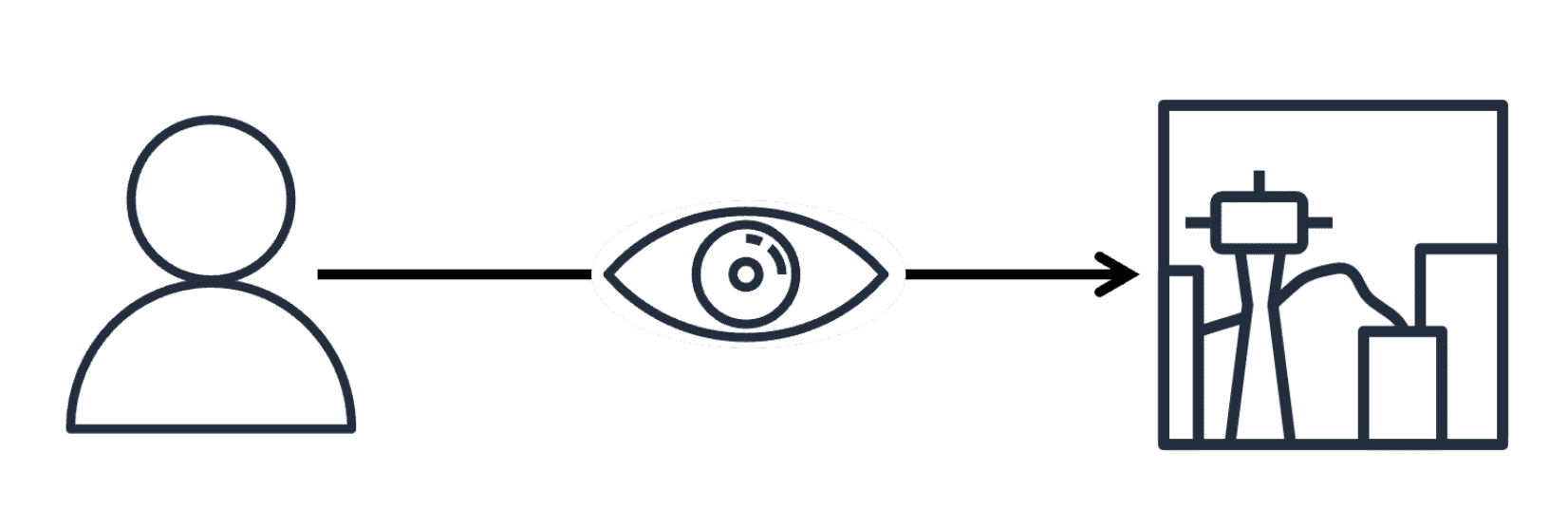
Like humans describing a photograph, these models understand context, emotions, and relationships, making inferences based on both visual cues and linguistic knowledge.
Modern multimodal systems use complex architectures combining specialized neural networks, each optimized for specific input types while sharing information between components.
These systems excel at image description, visual question answering, and content analysis. However, they may struggle with fine-grained details, spatial reasoning, or abstract visual concepts. They can also be sensitive to image quality and prompt structure, making thoughtful prompt design essential.
Text and image prompting techniques
Effective multimodal prompting requires careful consideration of how text and visual elements work together. The most fundamental technique is providing clear, specific instructions that reference both image content and desired output format.
For example, instead of "What's in this image?" try: "Analyze this product photograph and create a detailed marketing description highlighting the key features visible in the image."
Contextual framing
Provide background information to help the model interpret images more accurately. For example: "This image was taken during the 1960s civil rights movement. Describe the scene and explain its historical significance based on the visual elements you observe."
Sequential questioning
Start with broad questions to establish general content, then follow up with specific inquiries. For example: "First, provide an overall description of this medical scan. Then, identify any abnormalities you notice and describe their location and characteristics."
Role-based prompting
Ask the AI to adopt a specific professional perspective when analyzing images. Examples: "As a professional interior designer, evaluate this room layout and suggest improvements" or "From a cybersecurity expert's perspective, identify potential vulnerabilities in this network diagram."
Iterative prompting
Start with a broad prompt and refine based on the model's response. If "What is happening in this image?" yields a general answer, follow up with "Can you describe the emotions of the people involved?" This approach extracts deeper insights while ensuring alignment with your intent.
Practical case studies
These case studies show multimodal prompt engineering applied across different industries.
Educational content creation
A university developed a system for generating illustrated study guides by combining technical content with visualizations, breaking complex concepts into digestible chunks paired with appropriate visual aids.
A textbook publisher used this prompt structure for historical materials: "Examine this historical image from [time period/context]. Create: 1) A factual description of what's visible, 2) Historical context and significance, 3) Three discussion questions for students."
E-commerce product analysis
An online retailer automatically generated product descriptions from photos using this prompt: "This is a [category] product. Analyze the image and create a compelling product description that highlights visible features, materials, colors, and potential use cases. Format with bullet points for key features."
This approach reduced description writing time by 85% while maintaining quality standards.
Marketing content creation
Marketing teams use multimodal models to generate social media posts by providing a product image with prompts like "Create a catchy caption that highlights the unique features of this product", saving time while ensuring consistent branding.
Companies develop consistent brand imagery by creating detailed prompts specifying brand colors, style guidelines, and emotional tone. The key is a standardized template that includes both technical specifications and brand-specific language.
Healthcare
Multimodal models assist radiologists by interpreting medical images alongside patient data. Input an X-ray with a prompt detailing symptoms and medical history, and the model helps identify potential abnormalities and suggests diagnoses, improving accuracy and efficiency.